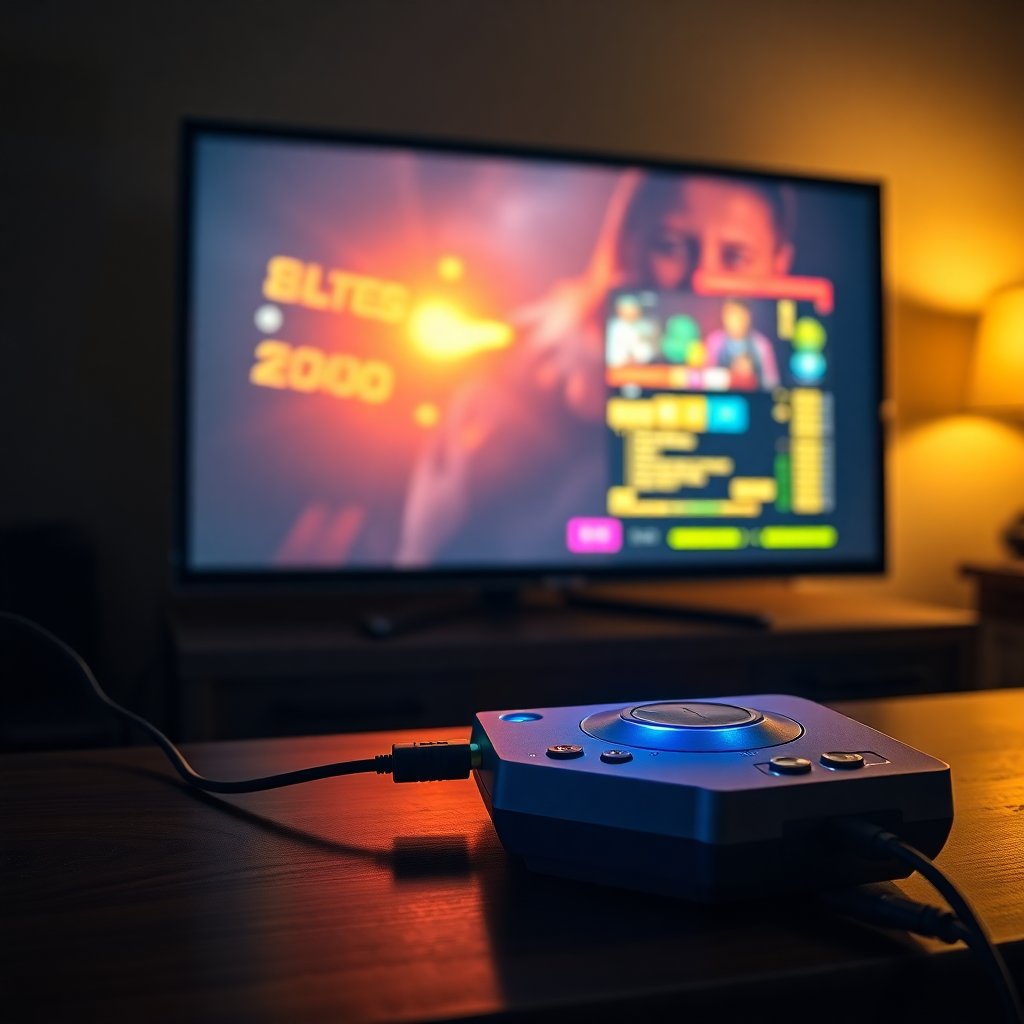
How to Connect Your Old NES or Sega to a Modern TV
You found your old NES in your parents' garage. Or you bought an original Sega Genesis on eBay. You want to hook it up to your TV and play tonight.
The problem: your TV has HDMI inputs. Your console has a multi-out port or RF adapter. These things don't directly connect. And if you just buy a cheap composite-to-HDMI adapter off Amazon, you're going to get a blurry, laggy mess that makes your games look worse than you remember.
This guide covers every option, from the $12 solution to the $700 professional setup. You'll know exactly what to buy for your situation by the end.
First: Understand Your Console's Video Output
Different consoles output different video signals. Here's what you're working with:
Atari 2600: RF only (coaxial cable, channel 2 or 3) NES: RF or composite (RCA yellow/red/white)
New to retro gaming? Before diving into hookup details, our guide to the best retro consoles in 2026 covers which consoles are worth tracking down and whether original hardware or a mini console makes more sense for your situation. Sega Genesis Model 1: Composite (RCA) + mono audio; SCART on Euro versions Sega Genesis Model 2: Composite + stereo audio; better for most US setups SNES: Multi-out (composite, S-Video, SCART depending on cable) N64: Multi-out (composite, S-Video)
The better the signal you start with, the better the result. Composite is better than RF. S-Video is better than composite. RGB (via SCART) is better than S-Video.
Option 1: The Cheap Route ($12–$25)
Composite to HDMI converter
If your console supports composite output (yellow video cable + red/white audio), a basic composite-to-HDMI converter box works. You plug in the RCA cables, the converter box outputs HDMI to your TV.
What you get: It works. You'll see the game on your TV. The picture will be soft, some converters add input lag, and the video quality won't impress you.
Best for: Testing if your hardware works before investing more. Getting kids playing immediately. Atari setups where composite is the only option anyway.
What to buy: A composite to HDMI converter adapter — any unit with positive reviews in the $12–$20 range from a brand like Neoteck or Tendak will work. Don't spend more than $25 here.
Option 2: The Nintendo Multi-Out HDMI Adapter ($19–$39)
Best for NES, SNES, and N64 on any modern TV
Nintendo's NES, SNES, and N64 all use the same multi-out port. Third-party HDMI adapters exist that plug directly into this port and output 480p HDMI to any modern TV. No lag, no extra power required, no converter box on your shelf.
What you get: Clean, low-lag video output from original Nintendo hardware. Better than composite but still limited by the original signal (composite-level quality unless you get an adapter that taps the S-Video signal).
Best adapter to buy: Search "NES SNES N64 multi-out HDMI adapter" — products from Kaico, Levelhike, and similar brands run $19–$39 and are well-regarded. Read current reviews before buying, as quality varies by manufacturer batch.
For N64 specifically: The N64 outputs composite via multi-out by default, but S-Video cables exist for N64 that deliver noticeably better image quality. A good composite-to-HDMI converter with an S-Video N64 cable is a significant upgrade.
Option 3: The Mid-Range Upgrade ($200–$250)
RetroTINK 5X Pro — the serious solution
The RetroTINK 5X Pro is the most popular retro gaming video solution for enthusiasts. It accepts composite, S-Video, component, and SCART input and outputs up to 1080p via HDMI with near-zero added lag (less than 1 frame).
What makes it special is the processing quality and the options. You can choose pixel-perfect scaling (every original pixel mapped exactly), integer scaling, scanline filters that replicate the CRT look, and motion adaptive deinterlacing. Your NES, Sega, SNES, or N64 will look better on a modern TV than it ever looked on most CRTs.
What you get: Professional-grade upscaling, near-zero lag, excellent scanline emulation, and compatibility with every console from Atari to PS2.
Best for: Anyone with a serious retro gaming setup, multiple consoles, or anyone who wants the best picture quality under $300.
Pair it with: S-Video cables for SNES and N64 deliver dramatically better results than composite. Component cables for GameCube and Xbox are excellent through the 5X.
Option 4: The Ultimate Setup ($700+)
RetroTINK 4K — the professional standard
The RetroTINK 4K is the best retro video processing device ever made. It upscales to native 4K via HDMI, accepts every video input type, adds zero perceptible lag, and includes advanced processing options including Bob and weave deinterlacing, comprehensive scanline simulation, and HDR output.
If you have a 4K TV and you care about retro gaming looking its absolute best — the 4K makes original hardware look stunning. Color accuracy, sharpness, and motion handling are exceptional.
Best for: Serious collectors with multiple consoles, 4K TV owners who want the ultimate setup.
The Complete Budget Recommendations
| Budget | Solution | Best For | |--------|----------|---------| | $12–$25 | Composite to HDMI converter | Testing, Atari, first steps | | $19–$39 | Multi-out HDMI adapter | NES, SNES, N64 — simple setup | | $200–$250 | RetroTINK 5X Pro | Serious retro gaming, multiple consoles | | $700+ | RetroTINK 4K | Ultimate setup, 4K TV, professional quality |
One More Thing: What About CRTs?
If you can find a working CRT TV — particularly a Sony PVM or BVM professional monitor — original retro hardware looks incredible on it. CRTs handle the 240p signal these consoles were designed for natively. No upscaling needed. Scanlines look natural. Input lag is zero.
The problem: good CRTs are genuinely hard to find and heavy to move. Professional PVMs can cost hundreds of dollars. Consumer Trinitron sets can still be found for free or cheap on Craigslist — if you're willing to haul a 25-inch CRT home.
For most people in 2026, a modern flat-screen with a decent upscaler is the practical choice. But if you have a good CRT available, original hardware on a CRT is still the definitive retro gaming experience.
Start with what you have. Upgrade when the picture quality bothers you. The games are great either way.
Frequently Asked Questions
How do I connect an NES or Sega Genesis to a modern TV?
The most reliable method: use an upscaler like the RetroTINK 2X-Mini or RetroTINK 5X ($30–$250 depending on features) that converts the console's composite or RGB signal to HDMI. Connect the console's original AV cables to the upscaler, then HDMI to your TV. This produces a clear, lag-free picture that modern flat screens can display properly.
Why does my NES look blurry on my new TV?
Modern flat-screen TVs are designed for 1080p and 4K signals, and they handle the NES's 240p output poorly — scaling algorithms blur the image, and many TVs add input lag from post-processing. Dedicated upscalers (RetroTINK series) handle the conversion cleanly. Alternatively, a CRT TV displays 240p natively with zero lag and zero blurring — if you can find one, original hardware on a CRT is still the definitive experience.
What is the best HDMI adapter for a retro console?
The RetroTINK 2X-Mini ($30) is the best budget option for NES, SNES, Genesis, and similar consoles — clean 480p upscaling via composite or S-Video. The RetroTINK 5X Pro ($200) handles every input type including RGB and component, offers multiple upscaling modes, and is the enthusiast standard. Cheap single-chip adapters from Amazon work but often add noticeable input lag.
Can I use the original NES or Sega cartridges on modern hardware?
Analogue makes modern FPGA consoles (the Analogue NT for NES, the Mega SG for Sega Genesis) that play original cartridges in HD via HDMI. These produce excellent output without emulation lag and are the premium option for original cartridge play on modern displays. They cost $200–$250+ but are considered the best way to play original carts on a modern TV.
Is input lag a real problem for retro games on modern TVs?
Yes, especially for action and platformer games where precise timing matters. Modern TVs add 30–100ms of input lag through post-processing — imperceptible for watching video but very noticeable for gaming. Use your TV's "Game Mode" setting (reduces processing) and a proper upscaler rather than a cheap adapter. On a CRT, input lag is zero.
As an Amazon Associate we earn from qualifying purchases. This article contains affiliate links; if you buy through them we may earn a small commission at no additional cost to you.