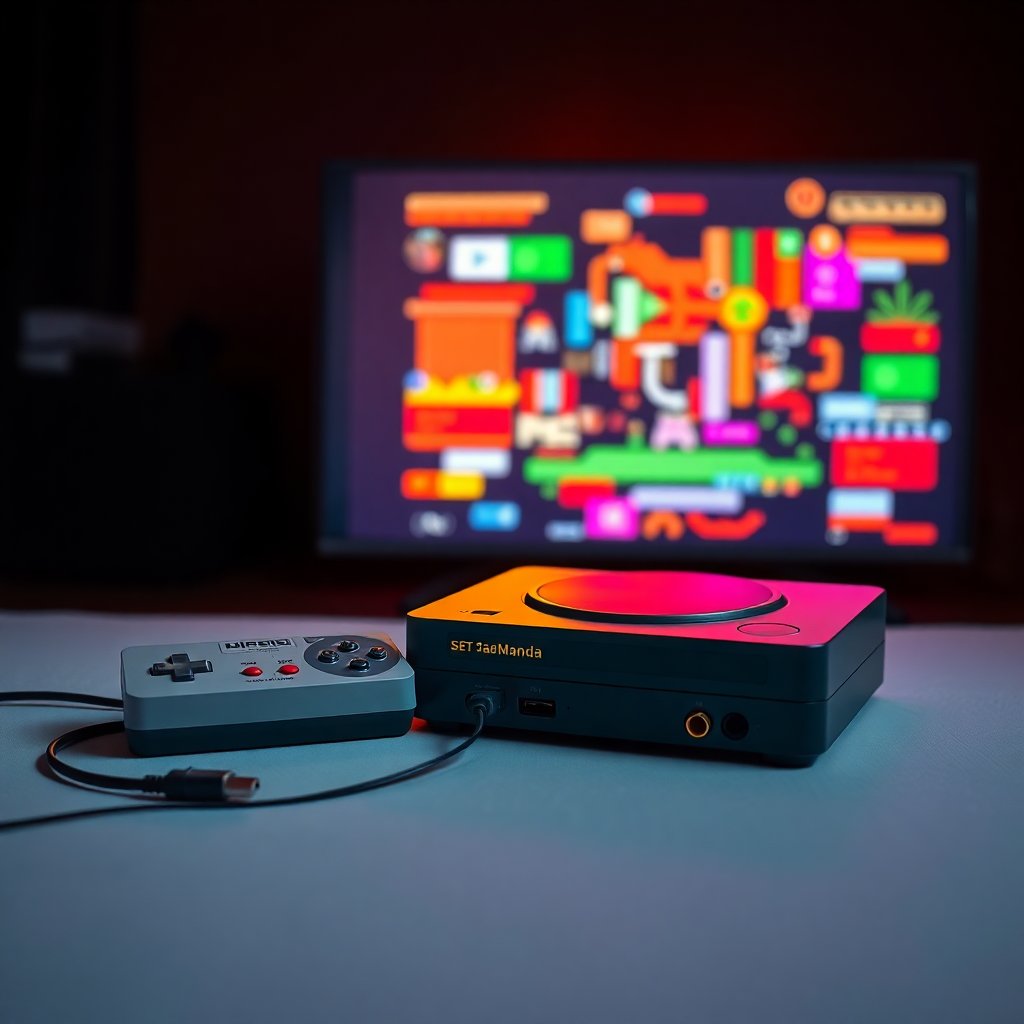
You finally dug out the N64 or dusted off the SNES, only to discover your modern TV has exactly zero composite or S-Video inputs. It's a problem every retro collector runs into, and it's only getting worse as flat panels phase out legacy connections entirely. The good news: the right HDMI adapter doesn't just solve the problem — it can make your old games look better than they ever did on a mid-90s CRT.
This guide covers the best retro gaming HDMI adapters available in 2026, from budget-friendly plug-and-play cables to enthusiast-grade upscalers. Whether you're hooking up a Super Nintendo for the first time in two decades or building a serious retro gaming setup, there's an option here for every console and every budget.
→ Shop retro gaming HDMI adapters on Amazon
Why the Right HDMI Adapter Actually Matters
Not all HDMI adapters are created equal. Cheap passive cables that claim to "convert" composite video to HDMI are notoriously hit-or-miss — many introduce input lag, color bleed, or display artifacts that make your games look worse than on the original hardware. Quality matters here.
The key specs to look for: input lag (under 1ms for active upscalers is excellent), supported input types (composite, S-Video, RGB SCART, component), and output resolution (720p, 1080p, or 4K upscaling). If you're playing twitch-reflex games like Street Fighter or Mario Kart 64, lag is your enemy. If you're using a 4K TV, a good upscaler keeps pixel art looking crisp instead of blurry.
If you want to go deeper on console-specific HDMI solutions for NES and Sega, check out our guide on connecting classic consoles to modern TVs with HDMI. For a broader look at the best consoles worth picking up, see our best retro consoles for 2026 roundup.
1. RetroTINK 2X Mini — Best Budget Upscaler
The RetroTINK 2X Mini is the gold standard for entry-level retro gaming upscalers. Designed by Mike Chi (the engineer behind the entire RetroTINK product line), the 2X Mini takes composite or S-Video input from virtually any console and outputs clean 480p via HDMI. The line-doubling technology preserves the original pixel structure rather than blurring it, and input lag is a near-zero 0.25ms — genuinely imperceptible.
Compatible consoles include the NES, SNES, Sega Genesis, Sega Saturn, PlayStation 1, Nintendo 64, and virtually anything else that outputs composite video. Setup is dead simple: plug it in, no menus, no configuration. It just works.
At its price point, there's nothing better. If you have one retro console and one modern TV, this is probably the only adapter you'll ever need.
→ Shop RetroTINK 2X Mini on Amazon
Best for: Collectors with one or two consoles who want a simple, reliable solution
Input: Composite, S-Video
Output: 480p via HDMI
Input lag: ~0.25ms
2. RetroTINK 5X Pro — Best All-Around Upscaler
If you're serious about retro gaming quality, the RetroTINK 5X Pro is the benchmark the entire community measures everything else against. It accepts composite, S-Video, RGB SCART, and component inputs — covering everything from an Atari 2600 to a PlayStation 2. Output goes up to 1080p (with 4K passthrough options), and the advanced processing modes include scanline emulation, CRT masking, and multiple integer-scaling presets.
The 5X Pro isn't cheap, but it's the kind of purchase you make once. If you're collecting across multiple console generations, it eliminates the need for separate adapters for every system. The community support is exceptional — there are firmware updates, preset profiles for specific consoles, and a dedicated subreddit with setup guides for practically every retro system in existence.
→ Shop RetroTINK 5X Pro on Amazon
Best for: Multi-console collectors and anyone with a large retro library
Input: Composite, S-Video, RGB SCART, Component
Output: Up to 1080p/4K via HDMI
Input lag: Under 1ms
3. EON Super 64 — Best for Nintendo 64
The EON Super 64 is a plug-in HDMI adapter designed specifically for the Nintendo 64. It attaches directly to the N64's multi-out port and delivers 480p output — a massive upgrade from the blurry composite signal the console normally produces. There's a passthrough mode for purists who want the original video signal, and an interpolation mode that smooths edges for a cleaner look on large modern displays.
What makes the Super 64 special is how frictionless it is. There's no external power, no driver installation, no menu to configure. Plug it in, connect an HDMI cable, and you're playing GoldenEye or Ocarina of Time in minutes. For N64 collectors specifically, this is probably the easiest upgrade you can make.
Best for: Nintendo 64 owners who want a plug-and-play solution
Input: N64 multi-out (proprietary)
Output: 480p via HDMI
Input lag: Very low
4. OSSC (Open Source Scan Converter) — Best for RGB SCART Setups
The Open Source Scan Converter (OSSC) is the enthusiast's choice for collectors who run RGB SCART cables. It line-multiplies the video signal (rather than doing a full upscale), which preserves the original video output with essentially zero processing lag. At 5x line multiplication, most 240p content hits 1080p — and it looks stunning.
The OSSC is a step up in complexity from plug-and-play adapters. You'll need to pair it with a proper RGB SCART cable for each console, and some modern TVs have compatibility issues with the line-multiplied output (Samsung TVs in particular can be finicky). But for collectors running a SNES, PS1, or Genesis with RGB output, the image quality ceiling is higher than any other adapter on this list.
→ Shop OSSC Open Source Scan Converter on Amazon
Best for: Enthusiasts with RGB SCART setups who prioritize zero lag and maximum image quality
Input: RGB SCART, Component, VGA
Output: Up to 1080p via HDMI
Input lag: Near-zero (line multiplication)
5. Pound Technology HDMI Cables — Best Budget Plug-and-Play Option
Pound Technology makes console-specific HDMI cables for the PlayStation 2, Wii, and several other systems. These are passive adapters — they don't do any upscaling processing — but they're significantly better than generic composite-to-HDMI boxes. The PS2 cable in particular is popular because the PS2 outputs component video natively, which Pound converts cleanly to 720p HDMI.
These work best with consoles that already output a decent signal. For a PS2 or original Xbox, a Pound cable is a clean, affordable upgrade. For a composite-only system like the NES or original Genesis, you'll get better results from an active upscaler like the RetroTINK 2X Mini.
→ Shop Pound Technology HDMI cables on Amazon
Best for: PS2, Wii, and GameCube owners on a tight budget
Input: Component or proprietary console output
Output: 720p via HDMI
Input lag: Minimal (passive adapter)
6. Kaico Component to HDMI Adapter — Best for PS2 and Component Consoles
The Kaico Component to HDMI adapter is a compact active converter that takes component (YPbPr) input and outputs to HDMI at 1080p. It works beautifully with the PlayStation 2, original Xbox, Wii, and any other console that supports component cables. The active processing adds slight lag (single-digit milliseconds), but the output quality is excellent — component is the best analog signal most 6th-generation consoles can produce.
At well under $30, it's a cost-effective way to get your PS2 or GameCube onto a modern display without investing in a full upscaler.
→ Shop Kaico Component to HDMI adapter on Amazon
Best for: PS2, GameCube, and Wii owners using component cables
Input: Component (YPbPr)
Output: 1080p via HDMI
Input lag: Low (active processing)
Comparison Table
| Adapter | Best For | Input Types | Output | Price Range | |---|---|---|---|---| | RetroTINK 2X Mini | Budget all-rounder | Composite, S-Video | 480p HDMI | $30–$40 | | RetroTINK 5X Pro | Multi-console enthusiasts | Composite, S-Video, SCART, Component | Up to 1080p | $180–$220 | | EON Super 64 | Nintendo 64 | N64 multi-out | 480p HDMI | $40–$55 | | OSSC | RGB SCART setups | SCART, Component, VGA | Up to 1080p | $90–$130 | | Pound Technology | PS2, Wii, GameCube | Console-specific | 720p HDMI | $15–$30 | | Kaico Component-HDMI | PS2, Xbox, Wii | Component | 1080p HDMI | $20–$35 |
What to Look For When Buying a Retro HDMI Adapter
Input type compatibility: Know what signal your console outputs. NES and Genesis output composite. SNES and PS1 can do S-Video or RGB SCART (with the right cable). PS2, GameCube, and Wii support component. Getting the right input type is more important than any other spec.
Input lag: For action games and anything requiring precise timing, input lag kills the experience. Active upscalers like the RetroTINK line excel here. Passive adapters vary widely — read reviews specific to your console.
TV compatibility: Not all modern TVs handle every signal well. Samsung, LG, and Sony panels all have quirks. The OSSC is particularly known for TV compatibility issues. RetroTINK products are generally the safest bet for broad TV compatibility.
Upscaling vs. line multiplication: Upscaling uses algorithms to add pixels; line multiplication duplicates rows. For retro content, line multiplication (OSSC's approach) often looks better because it doesn't introduce artificial smoothing. Both are better than raw composite on a 4K panel.
Frequently Asked Questions
Do cheap composite-to-HDMI converters work for retro gaming?
They technically output a picture, but cheap passive converters typically introduce noticeable blur and color artifacts. Input lag is also worse on many budget adapters. For casual use they're fine, but if you care about image quality or reaction-time games, spend a bit more on an active upscaler like the RetroTINK 2X Mini. The quality difference is significant.
What's the best HDMI adapter for the Nintendo 64?
The EON Super 64 is the easiest and most popular choice — it plugs directly into the N64 with no setup required. For the best possible image quality, an HDMI mod (like the UltraHDMI or N64Digital) involves opening the console but delivers a true digital signal. For most collectors, the EON Super 64 hits the sweet spot of quality and convenience.
Will any HDMI adapter work with my 4K TV?
Most will output at 480p or 720p, which your 4K TV will upscale internally. The RetroTINK 5X Pro has specific 4K output modes. The main risk on 4K sets is that the TV's internal upscaling adds input lag — test your TV's game mode to minimize this. Most modern 4K TVs handle 480p HDMI input without issue.
Can I use one adapter for all my retro consoles?
The RetroTINK 5X Pro comes closest — it supports composite, S-Video, RGB SCART, and component inputs, covering consoles from the Atari 2600 through the PlayStation 2 and Nintendo Wii. The OSSC is similarly versatile but focused on SCART/component setups. For most collectors, one quality upscaler handles 90% of their library.
Does using an HDMI adapter affect gameplay or feel different from a CRT?
The best adapters (RetroTINK, OSSC) have sub-1ms input lag, which is imperceptible. The larger difference is visual: modern flat panels don't have the natural scanline look of a CRT. Upscalers like the RetroTINK 5X Pro include scanline emulation and CRT masking options that can replicate the look reasonably well. For most games, a good upscaler feels completely natural.
The Bottom Line
For most retro collectors, the RetroTINK 2X Mini is the right first buy — it's affordable, dead simple, covers the most common console outputs, and delivers genuinely good quality. If your collection has grown to span multiple generations and input types, step up to the RetroTINK 5X Pro and don't look back. For N64 owners specifically, the EON Super 64 is a purpose-built solution that's hard to beat at its price point.
The days of hunting for a CRT just to play your old games are over. Any of the adapters above will get your classics looking solid on the TV you already own — no donor CRT required.
→ Shop retro gaming HDMI adapters on Amazon
As an Amazon Associate we earn from qualifying purchases. This article contains affiliate links; if you buy through them we may earn a small commission at no additional cost to you.