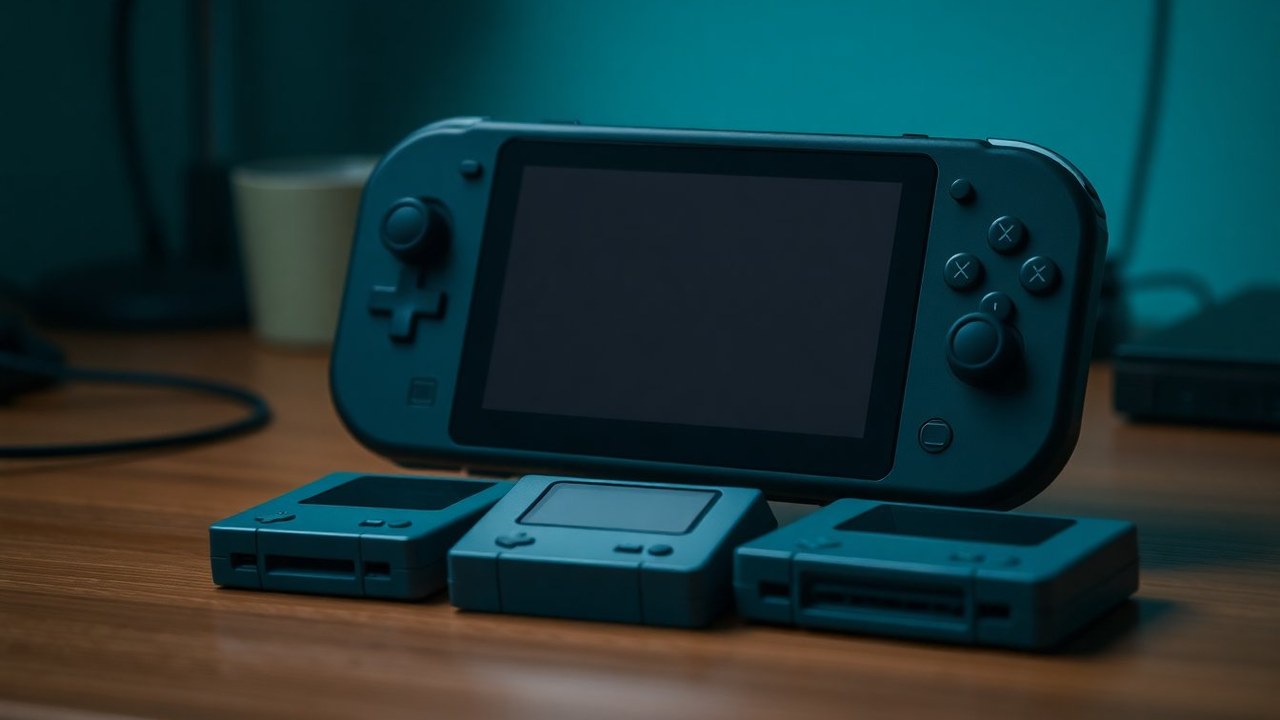
Physical cartridges have become rare in retro handhelds. Most devices at this price rely on downloaded ROMs and a lot of menu tinkering, while Evercade has spent years selling officially licensed game collections on real carts. The Evercade Nexus, which launched on October 30, 2026, is the company's biggest hardware update to that idea so far.
It is also an easy device to buy for the wrong reason. The Nexus has a larger screen and dual analog sticks, but it removes TV output, boots slowly, and does not offer a major jump in processing power. If you are considering one for yourself or as a holiday gift, those tradeoffs matter more than the spec sheet.
This guide pulls together the confirmed specs and what hands-on reviewers reported, so you can decide before you spend $199.99.
Affiliate disclosure: some links below are Amazon affiliate links. If you buy through them we may earn a small commission at no extra cost to you. Stock and prices vary by retailer, so check the current listing before you buy.
Evercade Nexus at a Glance
- Launch price: $199.99 / £169.99 / €199.99
- Launch date: October 30, 2026
- Screen: 5.89-inch IPS, 840 x 512, rated above 500 nits
- Controls: D-pad, face buttons, digital shoulder buttons, and two analog sticks
- Battery: rated for over 5 hours
- Charging: USB-C, 5V/2A supply, with no power brick in the box
- Audio: front-facing stereo speakers, 3.5mm headphone jack, Bluetooth headphones
- Wireless: Wi-Fi and local two-player EverSync between Nexus units
- TV output: none
- In the box: Banjo-Kazooie Double Pack cartridge with Banjo-Kazooie and Banjo-Tooie
Specs come from TweakTown's launch coverage and hands-on reviews from Time Extension and Video Games Chronicle.
→ Check Evercade Nexus availability on Amazon
What Reviewers Liked
The Banjo-Kazooie Pack Is the Headline
The included Double Pack is the strongest argument for the Nexus. VGC describes both games as native ports with widescreen support, 60fps, and dual-stick controls. Time Extension called bundling it the "true masterstroke" in its review headline. For anyone who grew up with an N64, getting both games on a legal physical cartridge is a real draw.
A Brighter, Bigger Screen
Reviewers consistently praised the 5.89-inch panel. VGC called it very bright and vibrant and a clear upgrade over earlier Evercade handhelds. It is an IPS display rather than OLED, so you will not get perfect blacks, and Time Extension notes that its pixel density is lower than the smaller EXP. Larger scanline filters look better here than on that older model.
Your Existing Evercade Library Works
If you already own Evercade carts, you can bring them with you. VGC puts the library at about 90 cartridges and more than 750 games. Time Extension found existing carts ran without serious problems, with one load failure after swapping cartridges that a full reboot fixed.
Dual Sticks Open Up New Games
Analog support is the main hardware change, but keep expectations realistic. VGC reports that only around 15 games currently use the sticks, so most of your library will still be played on the D-pad and buttons.
The Downsides to Know Before You Buy
No HDMI or TV Play
This is the deal-breaker for some families. The Nexus has no HDMI output, so it cannot be connected to a TV. If the person you are buying for wants couch play, the Evercade VS home console is the model to look at instead. Do not assume this feature carried over from the original EXP, because it did not.
→ Check Evercade VS home console listings on Amazon
Slow Boot and No Sleep Mode
VGC timed about 42 seconds to reach the main menu and roughly another 20 seconds to load a game. With no sleep mode, you go through that full process each time you pick the device up. That is a real annoyance for a handheld meant for quick sessions on a commute, and it is one of the clearest gaps compared with devices that can resume instantly.
Modest Performance Gains
Time Extension reports no real performance increase over the EXP or VS. The Nexus is an upgrade in screen, controls, and features, rather than in raw power. If you want PS2 or GameCube emulation at this price, an Android handheld is a better fit. Our best retro handhelds guide covers those alternatives.
Control Quirks
Time Extension found the digital shoulder buttons loud and awkwardly spaced from the sticks when using both at once. VGC also notes that TATE (vertical) mode requires an analog stick instead of the D-pad, which could bother shoot-'em-up fans.
Charger Compatibility
This one catches people out on Christmas morning. There is no power brick in the box, and the Nexus expects a 5V/2A supply. Time Extension's reviewer found that a Steam Deck charger would not charge it. Plan on having a basic USB-C charger ready.
→ Shop 5V 2A USB-C wall chargers on Amazon
Who Should Buy the Evercade Nexus?
Buy it if:
- You want a legal, physical cartridge collection and no ROM management
- You are new to Evercade. Time Extension calls it "arguably the best entry point" for the platform
- You or the recipient loves Banjo-Kazooie
- The device will be used for longer sessions, where a slow boot matters less
Skip it if:
- You need to play on a TV
- You want to pick up and resume a game in seconds
- You already own an Evercade EXP and mostly care about performance. VGC suggests existing owners will mainly benefit from the screen
- You want broad emulation of newer consoles
Is It a Good Holiday Gift?
For the right person, yes. The Nexus works out of the box with a complete game included, needs no accounts or ROM setup, and feels like a proper gift in a way that a flash cart or a bare emulation device often does not. That makes it a strong choice for a parent who played these games the first time around, or for a teen you would like to introduce to older classics.
Three things will make gifting go more smoothly:
- Include a charger. Do not assume one in the house will work.
- Check stock early. Availability can vary by retailer, so confirm a listing is in stock. Avoid paying a marked-up price from a third-party seller.
- Set expectations about TV play if the recipient has an older Evercade or a home console setup.
For more ideas across every budget, see our retro gaming Christmas gift guide.
Accessories Worth Adding
Evercade Cartridges
Extra carts are the natural add-on, and the range covers arcade, console, and computer collections. Pick a collection built around a publisher or genre the recipient already likes instead of buying at random.
→ Browse Evercade cartridges on Amazon
Bluetooth Headphones
Bluetooth audio is new to the Evercade handheld line. Time Extension reported no noticeable latency with its test headphones, though results can vary by model.
→ Shop Bluetooth gaming headphones on Amazon
Storage for Your Carts
Cartridges are the whole point of this system, so keep them dust-free and organized. Our guide on how to store a retro game collection long term covers temperature, humidity, and shelving.
→ Shop game cartridge storage cases on Amazon
Bottom Line
The Evercade Nexus is a well-judged handheld for people who value real cartridges and curated, legal game collections. Its screen and Banjo-Kazooie bundle are excellent, while the missing TV output, slow boot, and lack of sleep mode keep it from being an automatic purchase. If those tradeoffs do not bother you, it is the easiest way into Evercade today. If you need TV play or instant resume, look at the Evercade VS or another handheld before you spend the money.
As an Amazon Associate we earn from qualifying purchases. This article contains affiliate links; if you buy through them we may earn a small commission at no additional cost to you.